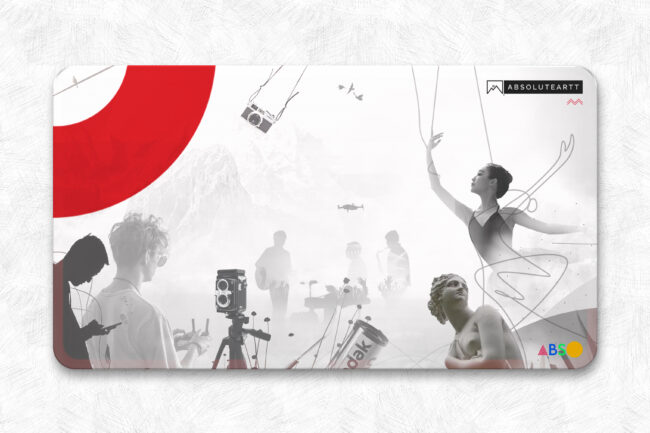
Motion graphics combine design, storytelling, and movement to turn static visuals into living experiences. They sit at the crossroads of art and technology, transforming abstract ideas into tangible emotions. Whether used for film titles, explainer videos, or brand promos, well-crafted motion graphics can captivate an audience within seconds and communicate meaning beyond words.
Let’s break down how to create dynamic, professional-grade motion graphics that move both visually and emotionally.
1. Understand the Message Before You Move Anything
Every frame of motion should serve a purpose.
Start by defining the core message — what do you want the viewer to feel, understand, or do?
Identify the tone (playful, cinematic, corporate, poetic) and the audience. These choices will guide everything: the animation style, color palette, timing, and even the sound design.
At the technical level, prepare a motion brief. It should outline:
- The concept and message
- Visual direction and references
- Duration and resolution
- Platform specifications (e.g., 1080×1920 for vertical reels or 3840×2160 for 4K display)
This becomes your creative blueprint.
2. Keep It Simple, Design for Clarity
In motion graphics, clarity beats complexity. Avoid visual overload.
Use design hierarchy — larger, brighter, or faster-moving elements naturally attract attention.
Translate complex information through visual metaphors or kinetic typography rather than dense data visuals.
In tools like After Effects or Blender, simplicity also means optimization. Fewer layers, smart pre-compositions, and efficient keyframe use not only look cleaner but render faster. Always design with purpose, not decoration.
3. Use Contrast to Control Focus
Contrast drives visual rhythm. It tells the viewer where to look and when.
Experiment with:
- Color contrast: Warm elements against cool backgrounds to highlight key moments.
- Scale contrast: Small-to-large transitions for emphasis.
- Motion contrast: Fast cuts balanced with still moments for breathing space.
A well-placed moment of stillness often carries more power than constant motion. Remember: animation is choreography, not chaos.
4. Master Timing and Spacing
Timing is everything in motion design. It defines emotion and intent.
The 12 Principles of Animation remain your compass — especially ease in and ease out, anticipation, follow-through, and timing.
Use graph editors to sculpt motion curves that feel natural and cinematic, avoiding linear or robotic movement.
For example:
- Short, snappy animations (0.3–0.6 sec) work well for UI transitions.
- Longer, fluid transitions (1–2 sec) suit narrative or emotional storytelling.
Sync visual beats with audio cues or dialogue for seamless storytelling flow.
5. Integrate Sound Design Early
Sound transforms motion into emotion.
Use it as a design element, not an afterthought. Layer subtle whooshes, risers, and tactile hits that accentuate motion arcs and visual energy.
Choose music that complements the animation’s pacing and tone rather than overpowering it.
For technical precision:
- Work in 24fps or 30fps to sync audio accurately.
- Use tools like Audition, Reaper, or Logic Pro X for final sound mixing.
- Always normalize and EQ to prevent distortion across playback platforms.
Sound should breathe with the visuals, not compete with them.
6. Design for the Platform
Each platform has its own rhythm and limitations.
Social media reels favor vertical formats and faster cuts, while brand films or app explainers can afford cinematic pacing.
Plan your aspect ratio, file format, and codec based on the final output:
- MP4 (H.264) for web or mobile
- ProRes 422 for high-quality presentation or broadcast
- MOV (with alpha channel) for compositing
Keep file sizes optimized without compromising clarity. Use compression tools such as Media Encoder or HandBrake for export balancing.
7. Test, Refine, Iterate
Motion design is an iterative art. Render early previews, test with viewers, and analyze engagement metrics.
Watch for emotional drop-off points — moments where attention fades — and refine pacing or storytelling flow.
Use analytics when publishing online to see where audiences rewind, pause, or exit.
In production pipelines, always save project versions with version control (e.g., V01, V02, etc.) to track creative evolution.
Final Reflection
Motion graphics is the poetry of movement and time. It’s where pixels learn to dance and ideas find rhythm.
When message, motion, and sound align with clarity and intention, the result is not just an animation but a living design — one that informs, inspires, and lingers in the mind.